Learn
How to disable Shortcuts Automation Notifications
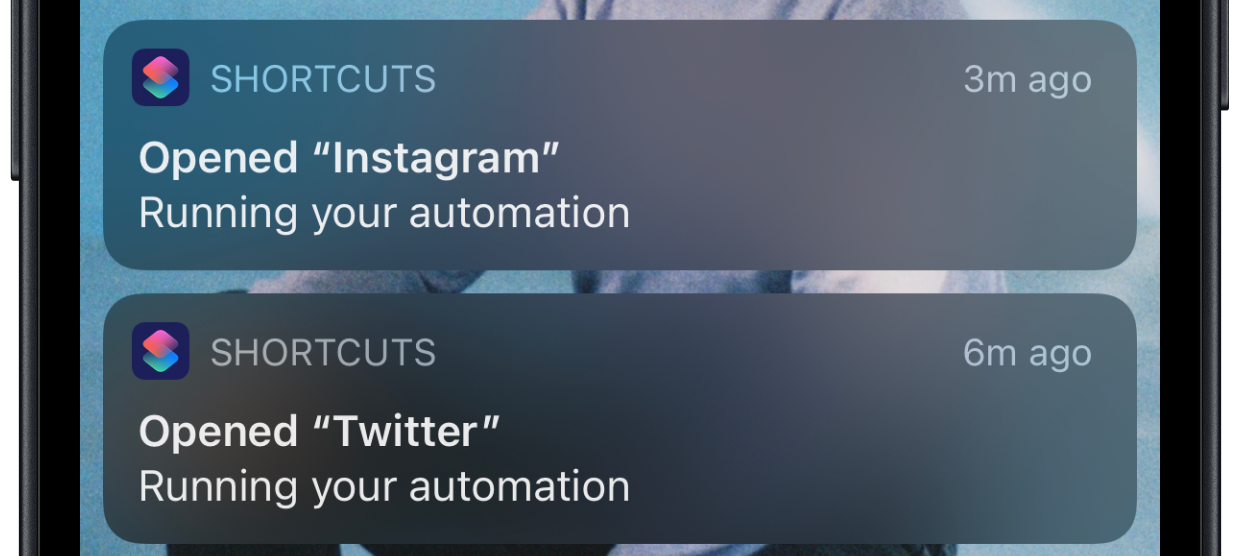
Power-users users of Apple’s Shortcuts App know the problem: Automations always trigger annoying notifications that pile up in your notification center.
A good example is one sec: the app triggers a breathing exercise whenever you open social media apps to force you to reflect on your habits. But also a ton of annoying notifications.
Luckily, there’s an easy way to fix this.
The new “Notify When Run” Toggle
In iOS 15.4, Apple has introduced a new toggle in the Shortcuts App, that lets you disable Shortcut Automation notifications for good: Simply open the automation and disable the toggle below Notify When Run. Afterwards you wont get any more such notifications!
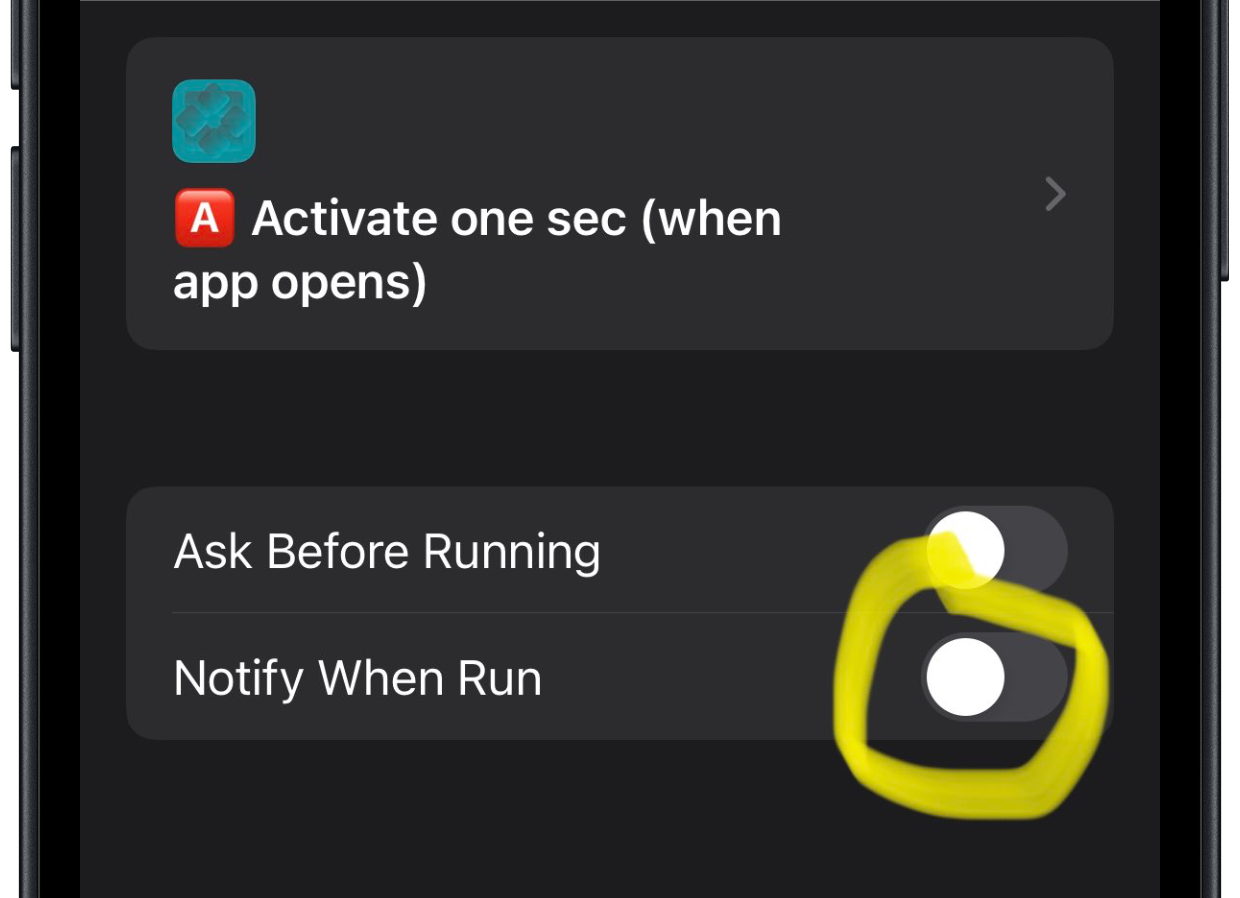
Goodbye Shortcuts notifications. Definitely won’t miss you!
Frederik Riedel
February 9, 2022