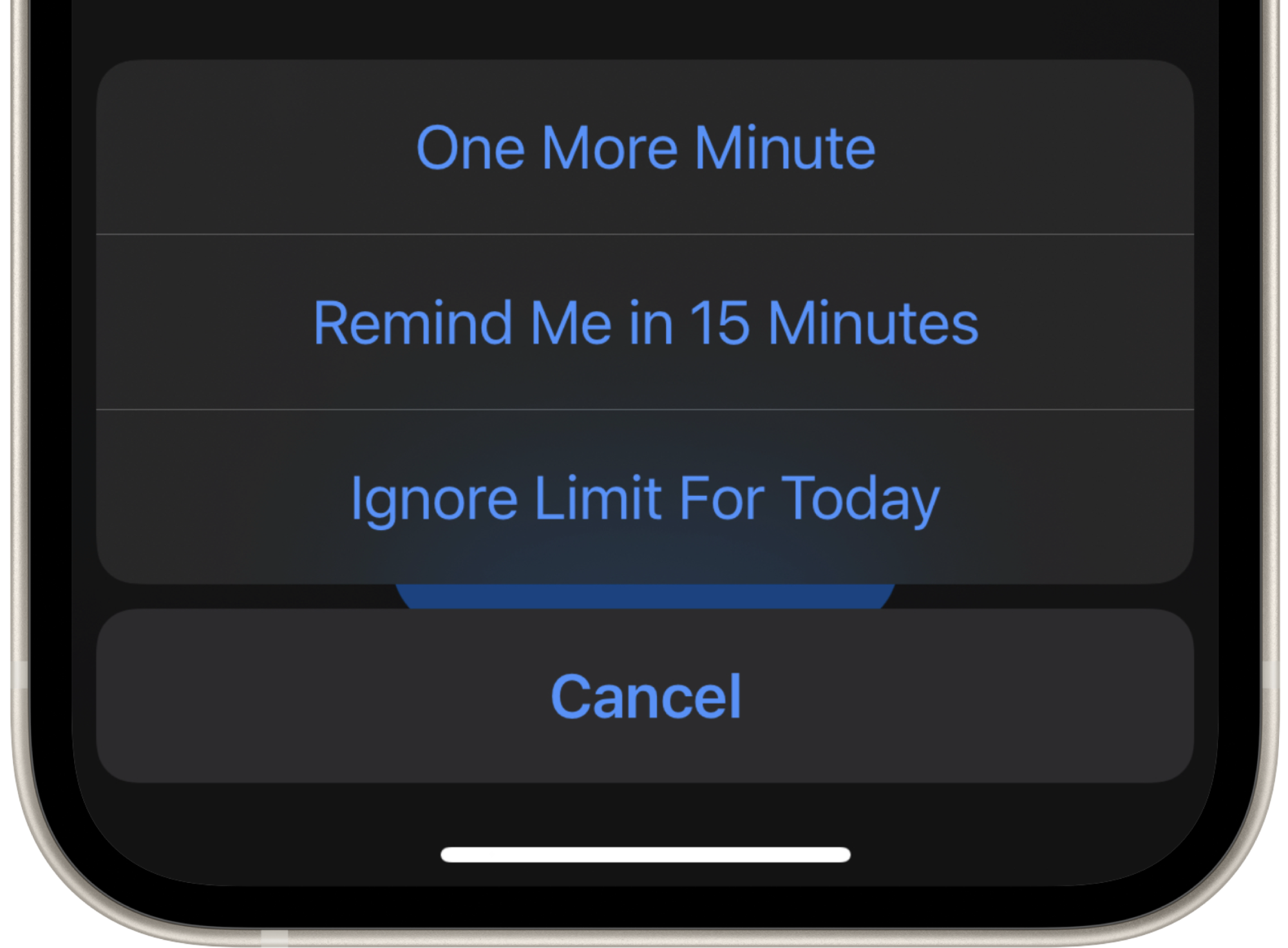
How to turn off “one more minute” on iOS Screen Time
Tapping the “one more minute” button happens automatically, without thinking about it: it’s in our muscle memory. Ultimatively, that means that Screen Time does not work at all.
Unfortunately, it is not possible to remove or disable that button.
Good news is, there’s a great app to fix that: one sec.
Screen Time Alternative “one sec”
Instead of allowing apps for a certain time limit, one sec‘s approach is to intervene each and every attempt to open social media: it forces you to take a deep breath which removes instant gratification from social media and thus, makes it less addictive.
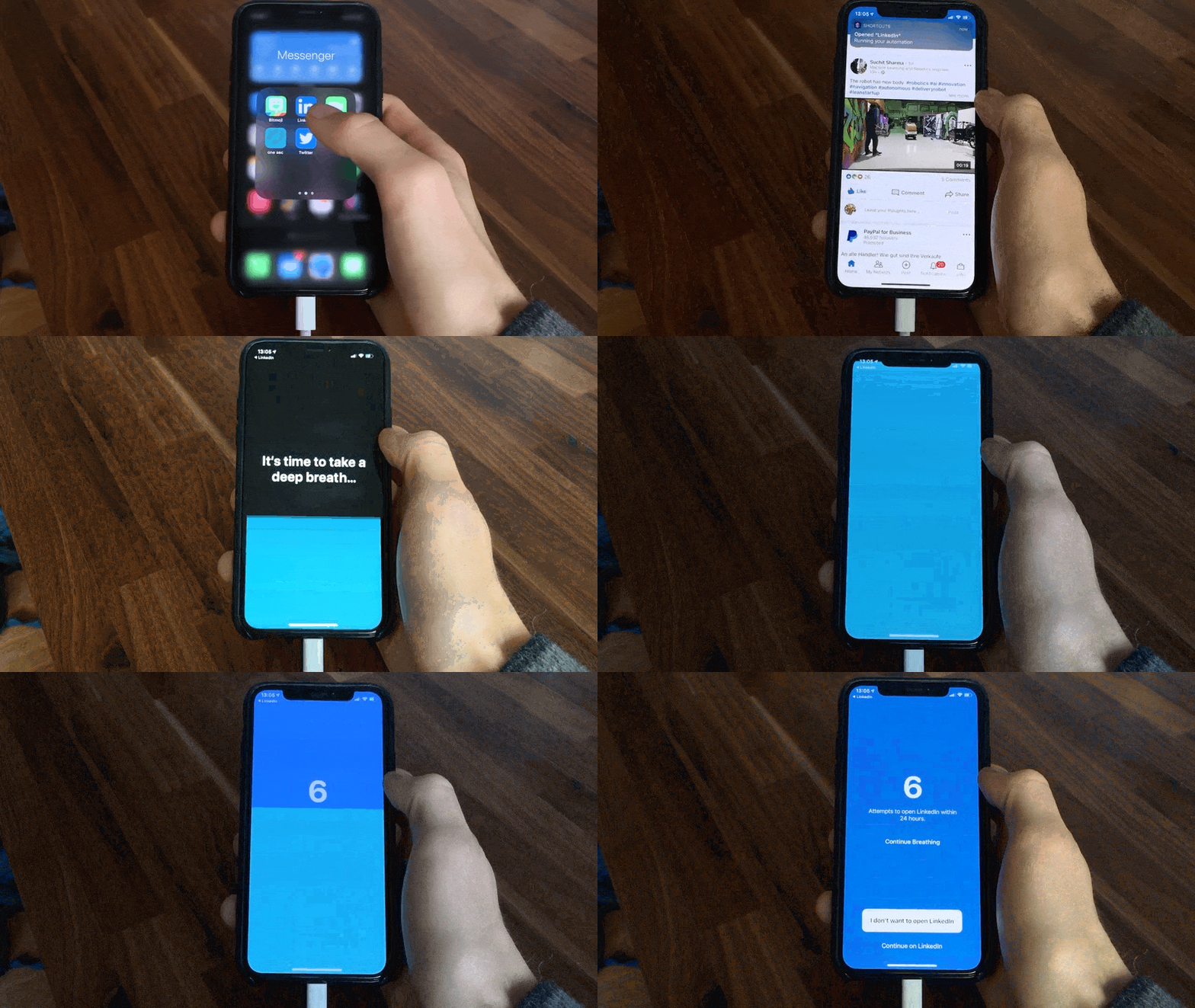
Rewire your Brain
Over time, you will notice, that the urge to open apps for no reason fades away. Because it’s only worth it to go through one sec’s intervention when you have a proper intention in mind, like sending a message, or uploading an image.
Proven by Science
In a recent study with the Max-Planck-Institute and University of Heidelberg, we were able to measure the average effect of one sec: app usage is reduced by 57%! You can read more about our experiment here.
Reminder Notification
one sec will send you a notification after one to five minutes to check if you‘re still following your intention. This helps you to reflect if you still need to have that particular app opened.
Try one sec for free
My app is free to use with one app configured, so you can test for yourself if this is something that works for you. Download one sec here.
Frederik Riedel
July 3, 2022