Introducing one sec 2.0
I’m very happy to announce, that today, one sec 2.0 has launched, and here’s what’s new:
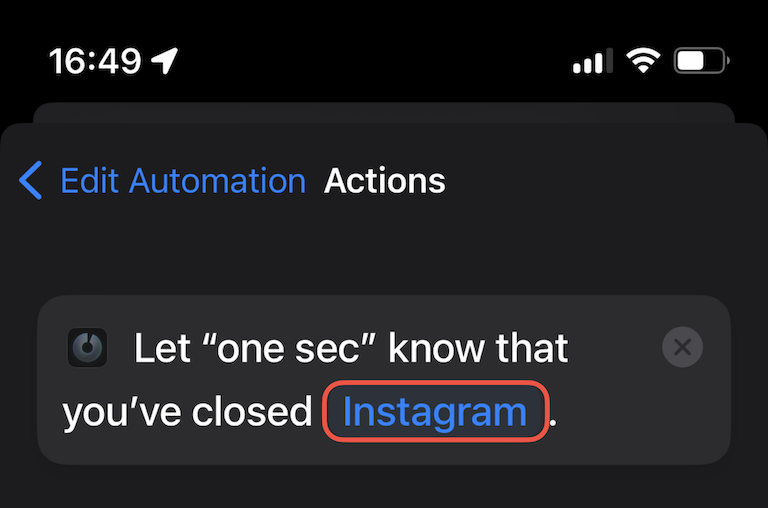
Most importantly, this update adds a second Shortcut that can be automated on app closing. This helps to measure the actual time spent on apps and allows for intentional app-switching without additional intervention (e.g. quickly checking link in Safari, then return to Instagram). I’ve also created a new tutorial explaining how to set up the new Shortcut.
I am also adding a new intervention type: Follow the Dot. This intervention requires your continuous attention to unlock apps: follow the dot with your finger for the required time to unlock the app.
Download one sec for free
You can download one sec for free from the AppStore.
Setting up the new Closing Shortcut
Follow this tutorial in order to set up the new feature.
Frederik Riedel
September 13, 2021