10 Hacks to Fight Social Media Distractions
10 Hacks to Fight Social Media Distractions
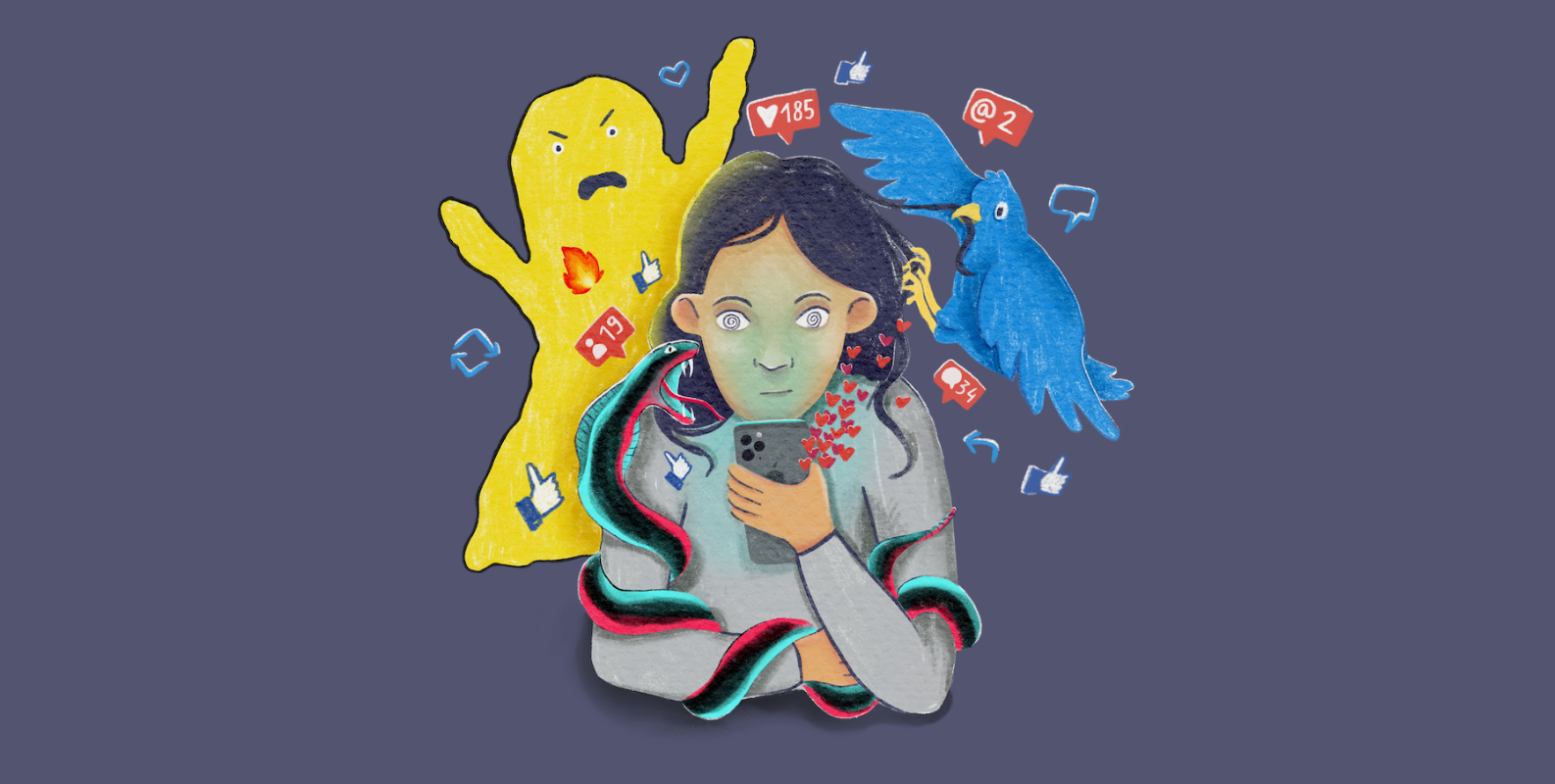
Over the years, I have collected phone habits that can help to reduce screen time and to establish healthier phone habits.
You might ask yourself, why is high screen time, especially on social media bad? There are many reasons, I just want to scratch the tip of the ice berg here:
- Social media apps sell your attention to advertising companies. They need your attention that‘s why they do everything to make you spend time in the app. Realizing that these apps are not built for you, but to sell ads to you should already concern you.
- Excessive time spent on social media lowers mental health, and increases risk of mental illness, such as depression.
- Small, frequent dopamine hits, provided by social media apps don‘t add any value to your long-term happiness. You feel better for the moment, but what happens when you close the app again?
- You miss real life moments, because you prefer spending time on apps.
So without further ado, here’s my list (and my most effective tip at the bottom):
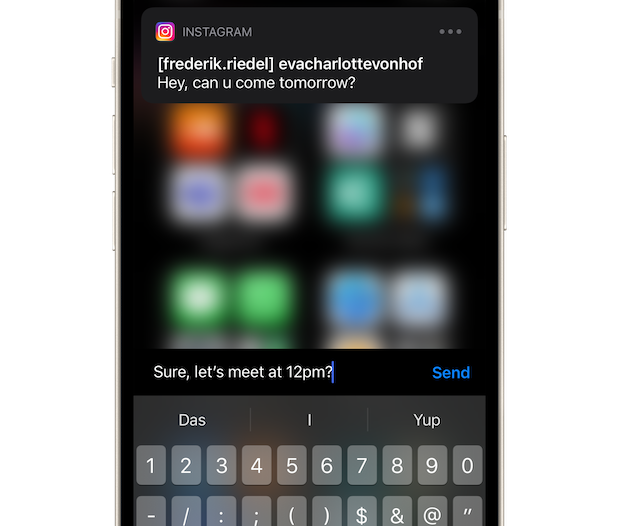
1. Reply from notifications, instead of opening the app to reply
This trick helps you to stay away from distractions within the apps while still replying quickly. You can pull down or long press a notification to show the reply sheet. Not only Messaging apps are supported, also Instagram for example. This helps you to stay away from other distractions that might pop up once you open the app itself: Because Instagram and Twitter know exactly what you like and how to capture your attention within seconds.
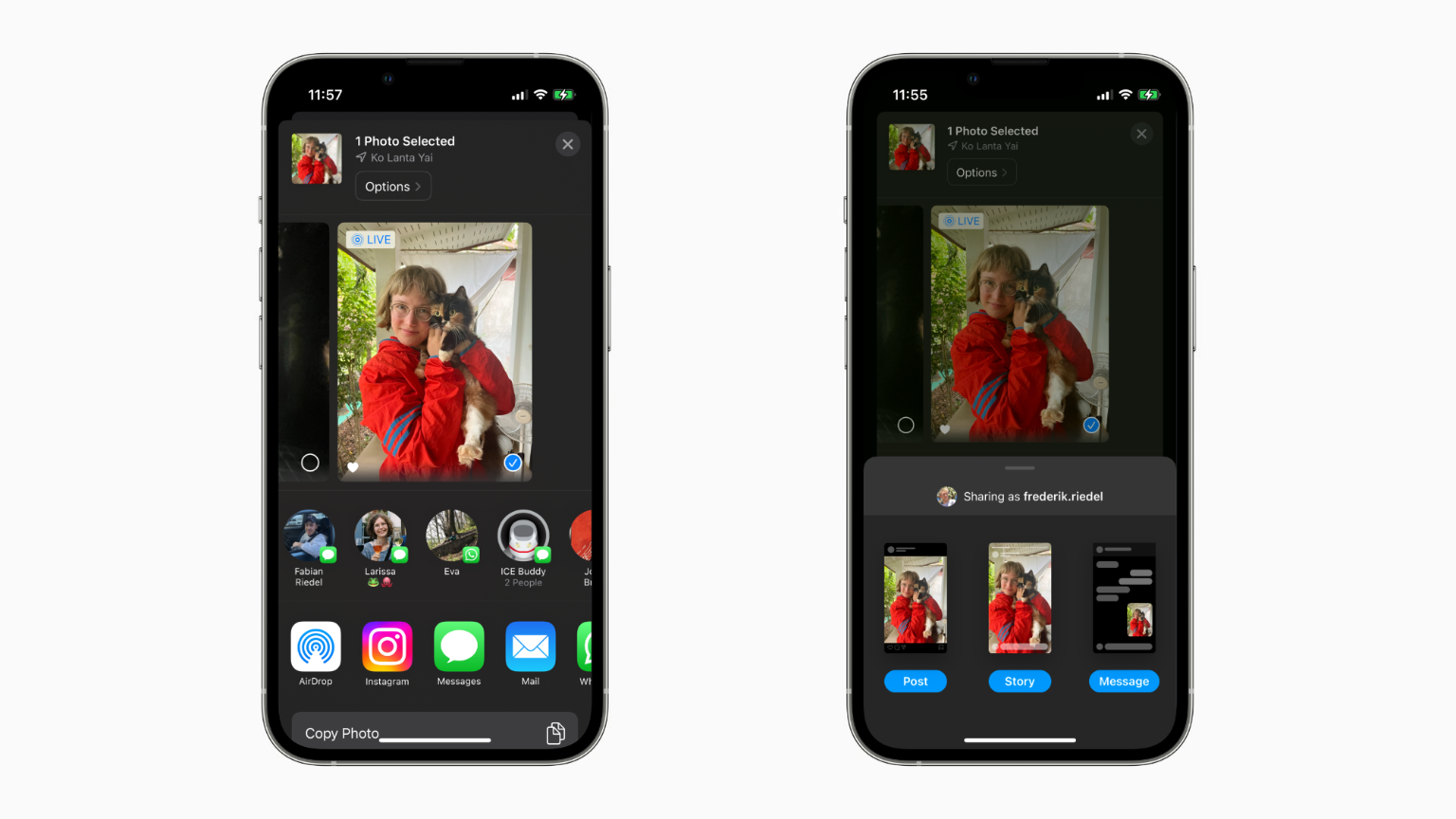
2. Use the share sheet for posting (even to your story!)
Use the share sheet to share items, instead of opening the social media app itself. You can directly post to Instagram, to your Story, or send as direct message. Another positive effect: You don‘t need to grant Instagram or Facebook access to your photo library.
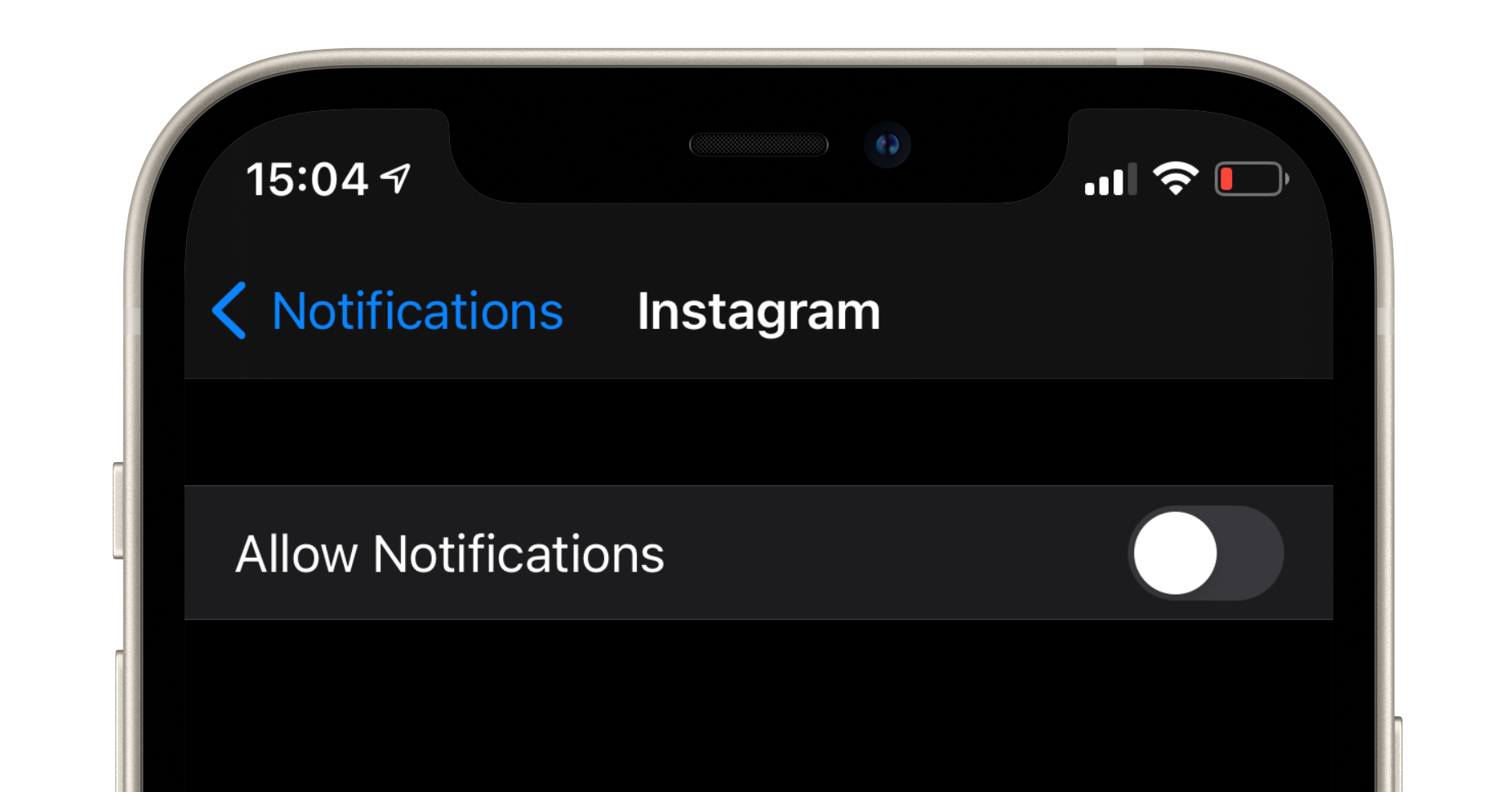
3. Reducing Notifications
Properly configure Instagram/Twitter/etc. notifications within the apps or disable push notification for social media altogether. Let your peers know they should send a text message instead to get your attention. Carefully select which apps should be allowed to show push notifications on your Apple Watch and lock screen, most notifications are probably not important immanently and can be delivered silently.
4. Post less
Be aware, content you post is part of the reason why your friends spend more time on social media. Instead, write them a letter! Or call them. Or at least send them a personal message. Posting less also gives you fewer reasons to open the apps, to check reactions, comments and other notifications related to your postings.
5. Leave your phone at home
When you go out for a walk, or just want to take some time to relax: leave your phone behind. Maybe you have an Apple Watch with cellular data from which you can still make phone calls in emergency situations. But you don‘t have quick access to social media.
6. Don‘t leave your phone next to your bed over night
The best trick in this regard is probably to put your phone charger in a different room. That way, your phone won‘t be the last thing you gonna see before sleeping, or the first thing that hits your eyes in the morning.
7. Disable notifications during Do Not Disturb
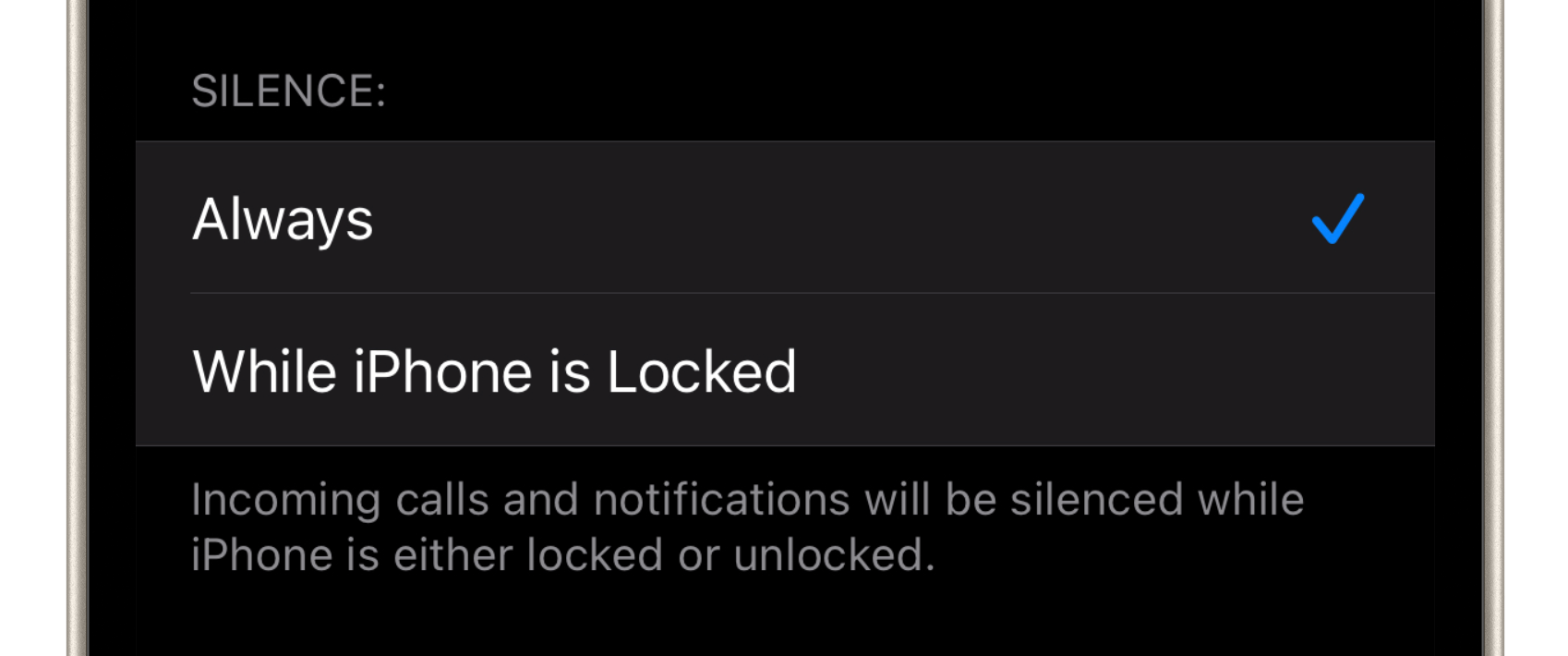
If you want to focus on a specific task, Do Not Disturb is a powerful tool to help you stay away from distractions. But it needs additional configuration to be even more effective: Go to “Do Not Disturb” Settings and select “Silence: Always”. This is the key to calm down and focus while working on your iPhone or iPad.
8. Don‘t suggest apps with addictive potential on your home screen
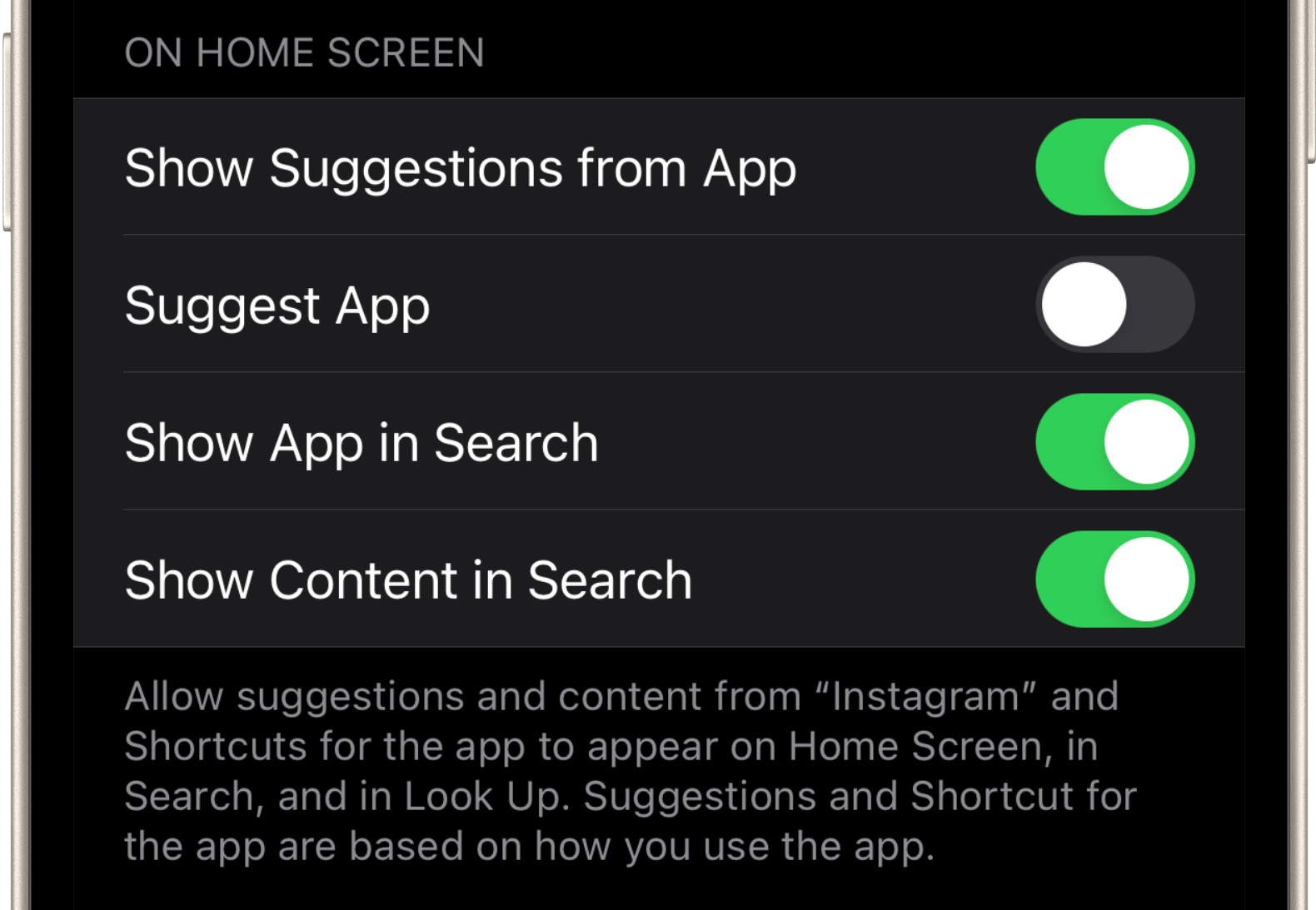
Disabling suggestions helps to keep your home screen free from any triggers that remind you about the app. Especially when swiping down to open spotlight to search for apps you don‘t want to see any distractions there. Open Settings → Siri & Search → Scroll down to the app you want to disable. Select the app and disable Suggest App, as shown in the screenshot.
9. Open apps with a clear goal in mind
When opening an app you should have a clear goal in mind: I want to message Laura. I need to check the event details of the birthday party tonight. Or I need to lookup that recipe that Luise sent me recently. Having a clear goal makes it less likely that you get distracted in the app.
10. Probably the most effective point from this list: The “one sec” app
one sec is an app that adds friction whenever you open social media apps. Instead of showing you the app directly, you need to go through a breathing exercise, a moment of mindfulness. This forces you to reflect on your action and think actively what you are up to right now. In many cases you will realize that opening addictive apps was caused by reflex, not by a specific purpose. This is a clear indicator of addiction, or at least an unhealthy relationship with your phone.
one sec helps you to change that: by becoming more aware of the situation and winning back the ability to decide what you actually want to do in that moment.
Frederik Riedel
April 25, 2021