
Feature
Block Apps After Waking Up
Similar to the Scheduling of Interventions and Scheduled Blocking, you can also set up one sec to block apps after waking up.
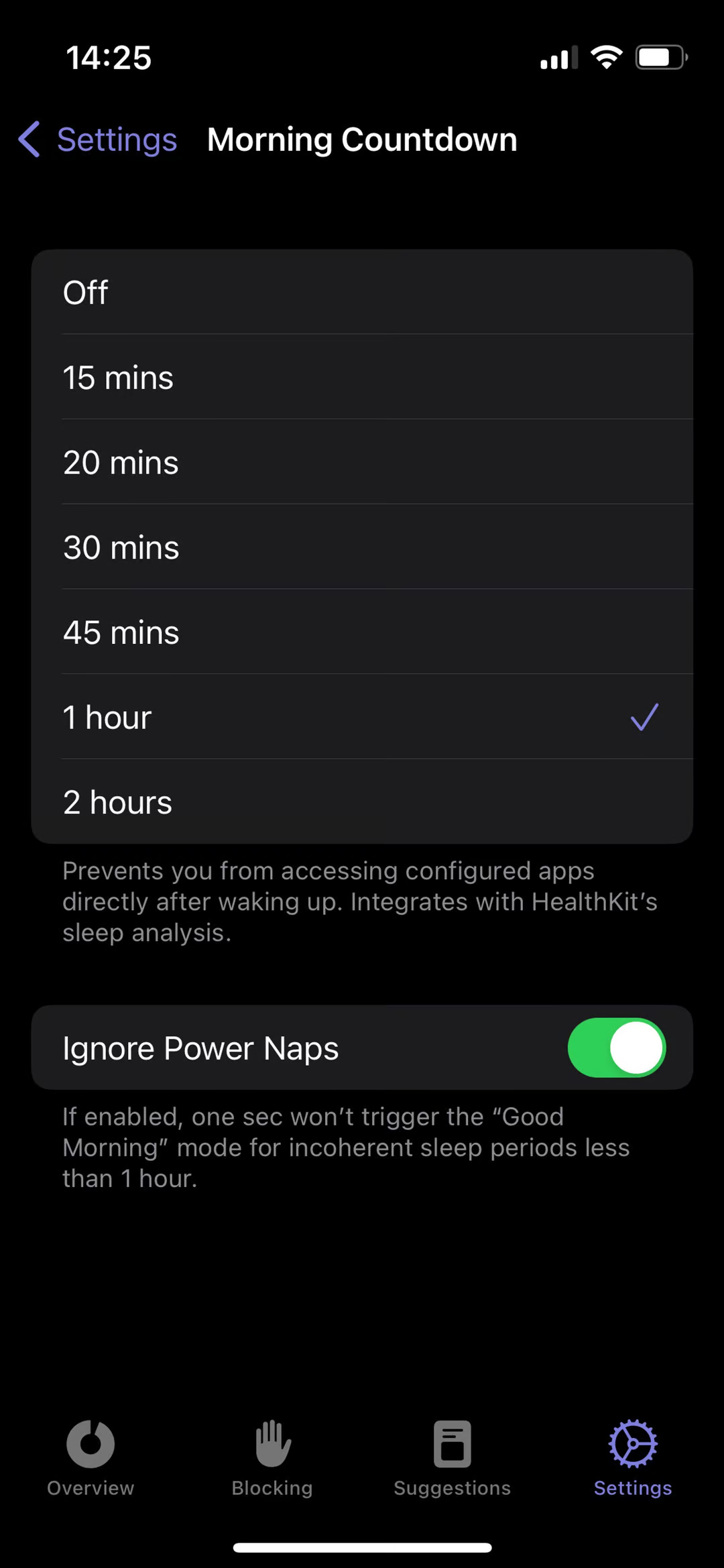
Open one sec’s Customize tab and select Phone-Free Morning. Select a time interval that one sec should block apps after waking up.
You’ll need to grant permission to access your sleep data. one sec syncs with HealthKit to know when you wake up and will block apps after that for the selected amount of time.
You can also enable Ignore Power Naps to avoid getting blocked out of apps after short naps.
Frederik Riedel
June 20, 2023