The Best Screen Time Alternative to Keep You Away from Distractions
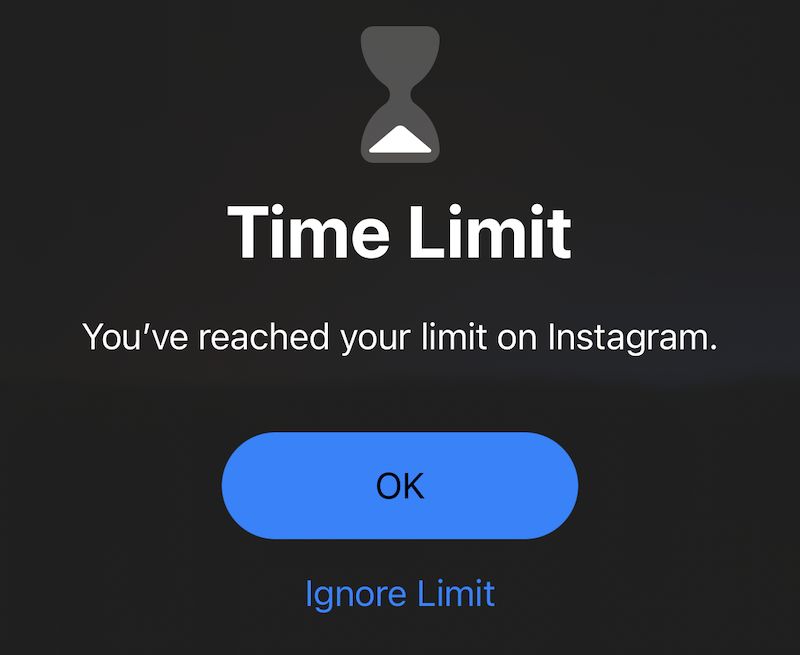
Apple‘s intention with Screen Time-features like “Downtime” and “App Limits” is to help you gain more control over your phone usage.
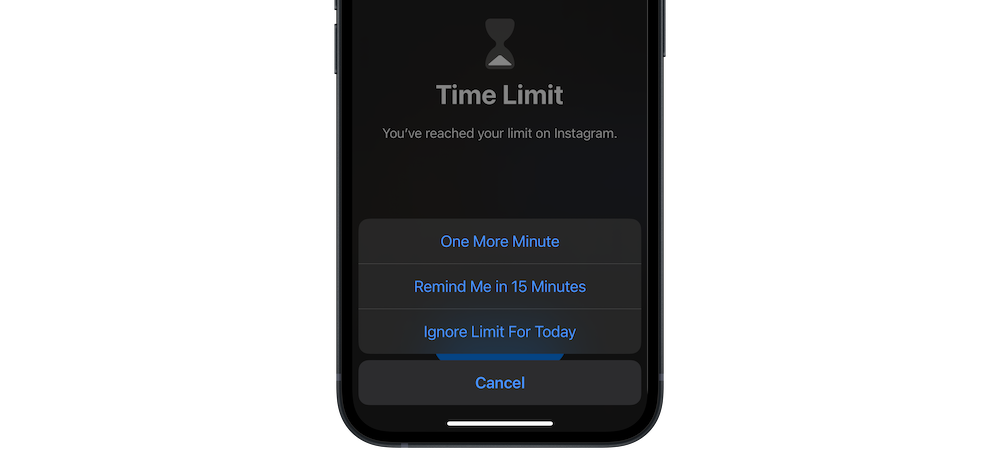
However, Screen Time terribly fails at that job. It‘s always just one tap away to get “15 more minutes” – for me, that’s already in my muscle memory:
The best app for app and website blocking
Luckily, there’s a great app that’s way more effective than Apple’s Screen Time: just install one sec (free, on the AppStore) and enable the App automation (the app will guide you through the setup).
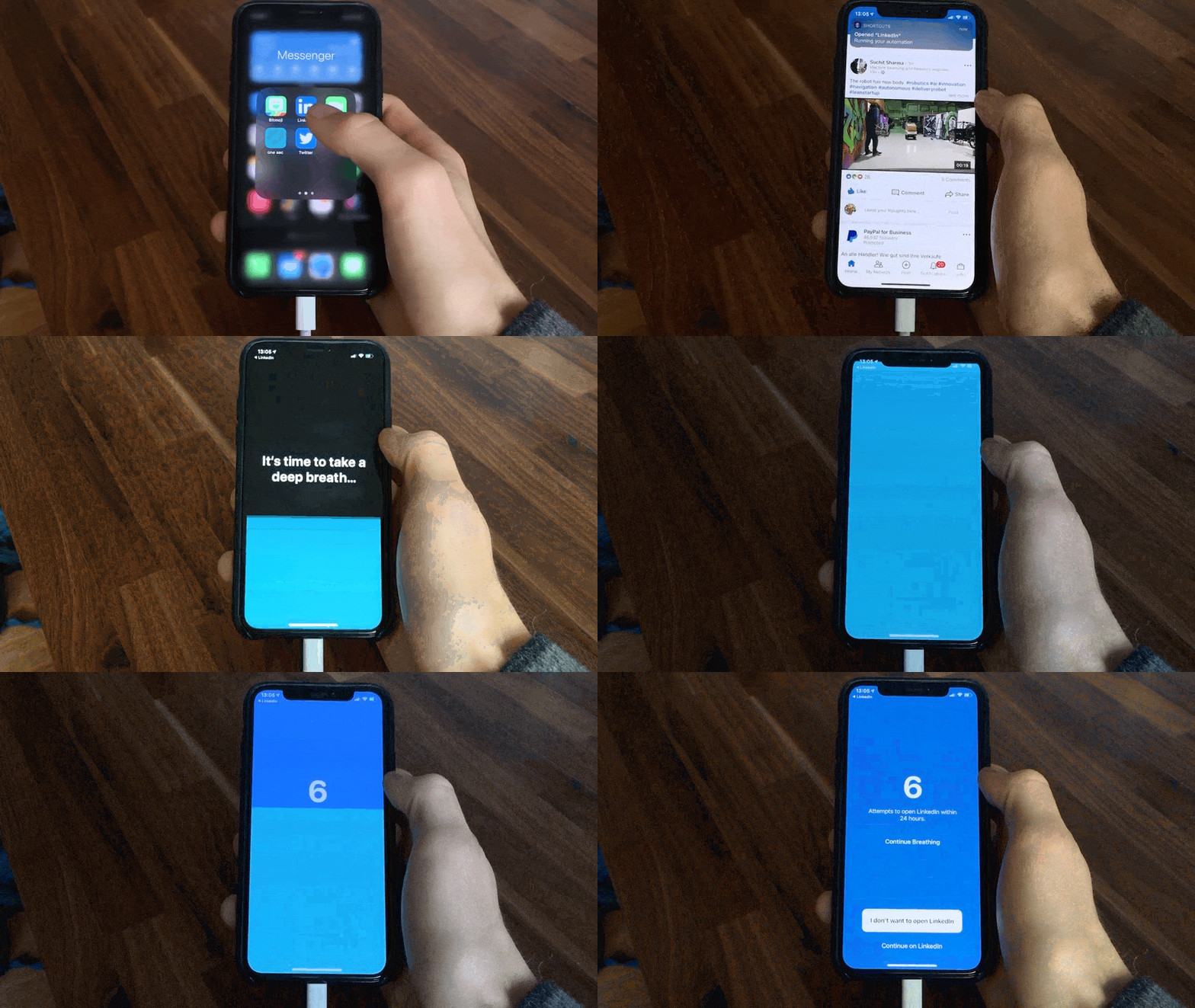
Once set up, one sec will show a breathing exercise every time you attempt to open social media apps or websites:
Making social media less interesting by adding friction
In the beginning you will realize how many times you actually open social media without a clear intention in mind. Just mindlessly, while bored, or to compensate stressed. But, of course, in such situations it is not sustainable to open social media. A short break, or other fulfilling task would be much more constructive.
On top of that, the additional friction makes opening such apps way less appealing – it’s super boring and in many cases not worth to wait that long.
If it’s not worth to wait ten seconds, why would we even spend time on social media?
The short answer is: because our brain is addicted. In 90% of the opening attempts, there’s no real value that we get from social media. And one sec helps our brain to re-learn that and lose the desire to open such apps.
Later on, you’ll be able to use apps with a clear intention (e.g., message a person, look up event dates).
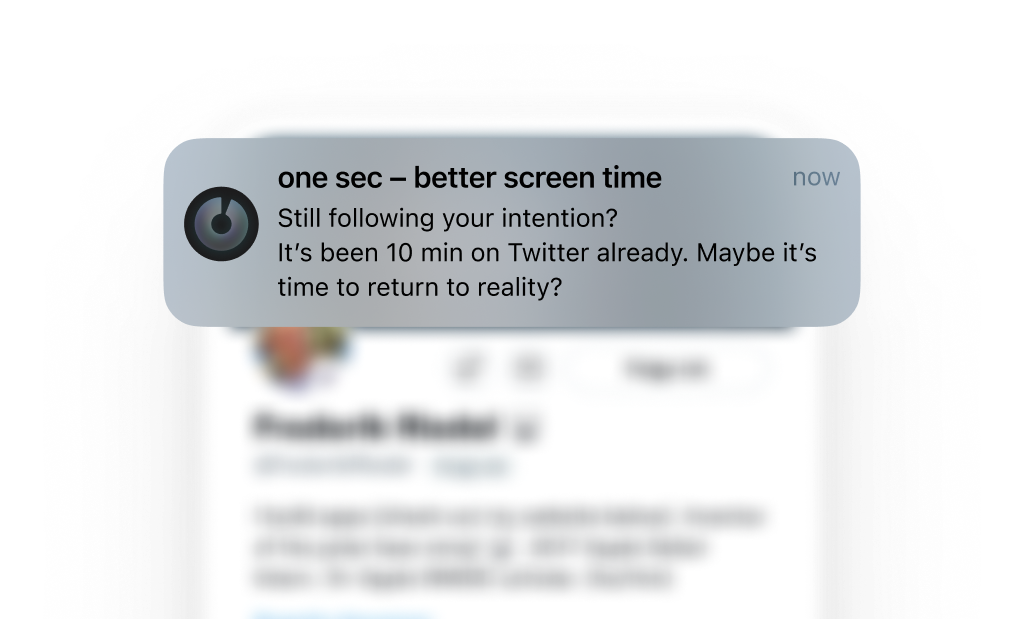
And even here one sec will continue to help you to stay intentional:
So after all, why don’t you give that great screen time alternative a try? You can download and try one sec for free from the App Store or Google Play Store (using it with one app is free, I definitely recommend you giving it a try with your most-used app).
There is also a Browser Extension which is available for Chrome, Firefox, Safari, and Edge.
Elena Geiger
June 3, 2022